Table of contents
Table of Contents
This Six Game login guide explains Password Login and Code login, how “Remember account password” works, what to do when you forget your password and how to make sure you are signing in on the real Six Game app rather than a copy.
The Six Game Login Screen
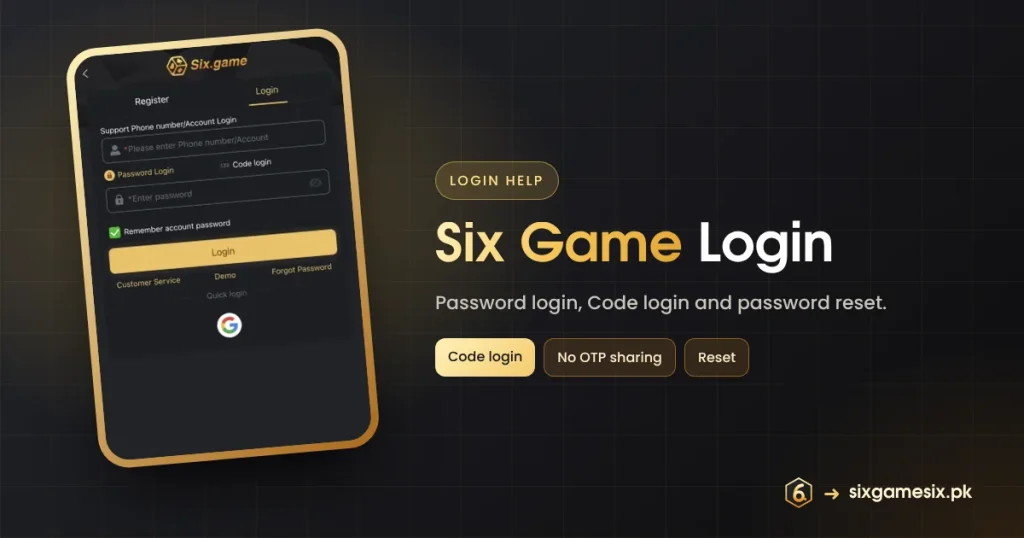
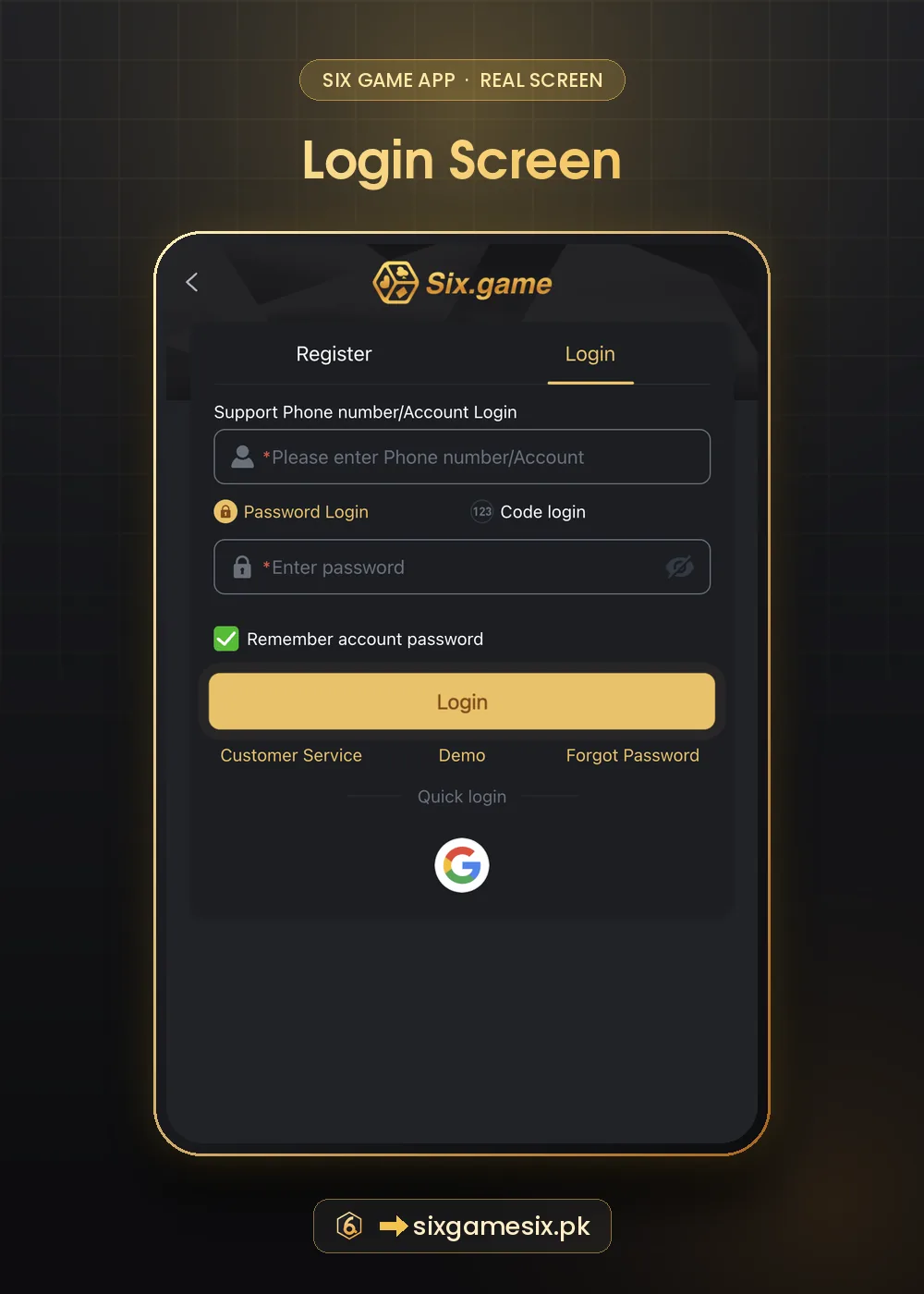
Tap Login on the home screen or the Login tab next to Register. The form says “Support Phone number/Account Login”, so you can sign in with either your mobile number or your account name. Below it you choose Password Login or Code login, then a password field with an eye icon. A ticked “Remember account password” box saves your details on the device. The gold Login button is followed by three links, Customer Service, Demo and Forgot Password, and a Quick login line with a Google button.
How to Log In to Six Game
- Open the app or the official Six Game page.
- Tap Login and enter your phone number or account.
- Choose Password Login and type your password, or choose Code login to receive a code.
- Untick “Remember account password” on a shared phone.
- Tap Login and check that your balance and VIP level look right.
| Method | How it works | Use it when |
|---|---|---|
| Password Login | Phone/account plus your password | Everyday sign-in on your own phone |
| Code login | A one-time code sent to your phone | You forgot the password or are on a new device |
| Google quick login | Uses a Google account you bound earlier | You registered or bound with Google |
Forgot Your Six Game Password?
Tap Forgot Password under the Login button and follow the steps; they use the phone number on your account. Code login is a second route back in. If neither works, for example because your old SIM is gone, contact Customer Service from the same screen and explain what changed. Be patient with resets: a few failed attempts in a row can trigger a short lock.
Six Game Login Safety
Fake login pages are the most common way game accounts are lost. They copy the gold logo and the two tabs exactly. Before typing your password, make sure you reached the page from your bookmark or a trusted button, and compare it with the screens on this site. Our Six Game official website guide shows how to spot a copy.
- Never read a Code login code to anyone, including “support”.
- Untick Remember account password on shared or borrowed phones.
- Log out from Profile when you finish on someone else’s device.
- Use a password you do not use for email or banking.
Six Game support will never message you first asking for your password or a login code. Anyone who does is a scammer.
Fixing Six Game Login Problems
| Message or problem | What to do |
|---|---|
| Wrong password | Check caps lock and the eye icon, then use Forgot Password |
| Code not received | Wait one minute, check signal and SMS spam, then request once more |
| Account not found | You may have used an account name, not the number, or the other way round |
| Page keeps loading | Switch between Wi-Fi and mobile data, or clear the app cache |
| Logged out often | Update the app and tick Remember account password on your own phone |
| Suspect someone else logged in | Change your password at once and contact Customer Service |
After a Successful Six Game Login
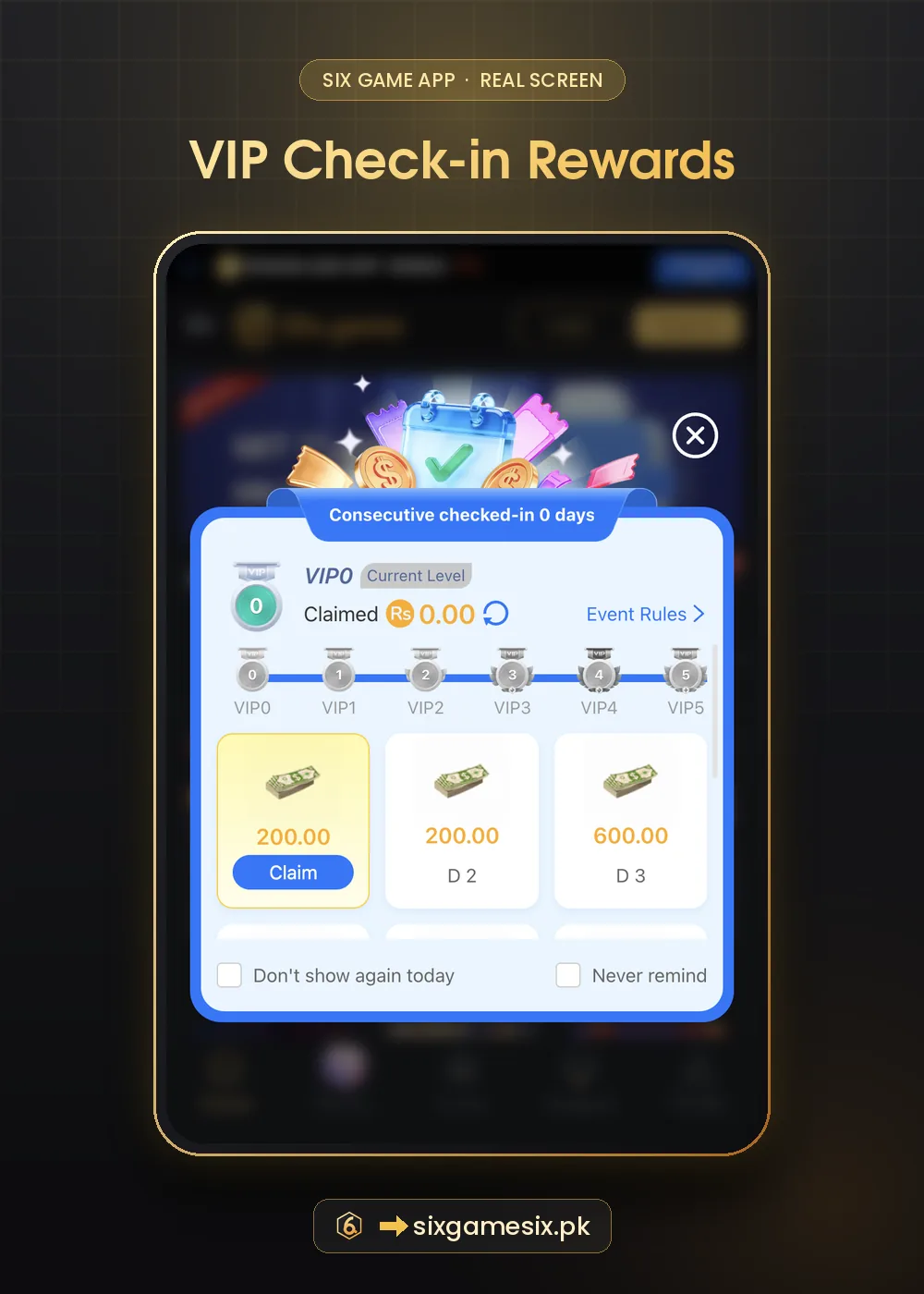
The first thing many players see after login is the VIP check-in card. Claim the day’s reward if it is free, then visit Promo → Unclaimed to collect anything waiting. Read the Six Game check-in guide and the bonus overview so you know which rewards need nothing more than a login.
Six Game Login on a New Phone
Changing phones is when many players get locked out. Before you switch, make sure the phone number on your Six Game account is your current SIM and that you remember the password. On the new phone, install the app only from the official page, open the Login tab and sign in with Password Login first. If the password is forgotten, Code login sends a code to that same number.
After signing in, untick Remember account password on the old phone or log out there, then visit Profile → Security Center to confirm your details. If you also used Google quick login, sign in to the same Google account on the new phone first; otherwise the Google button will offer a different account.
For general advice on protecting accounts with two-step codes, Google’s 2-Step Verification help is a clear, free read that applies to most apps you use.
Six Game Login FAQ
Can I log in with my phone number?
Yes. The Six Game login form accepts a phone number or an account name.
What is Code login?
A one-time code sent to your phone that replaces the password for that sign-in.
Is Google login safe?
Yes, if you bound it yourself on the real app. Check bound apps in your Google account.
Why is my account locked?
Several wrong attempts can cause a short lock. Wait, then use Forgot Password.
Can I play without logging in?
You can browse and use Demo, but real-money play and rewards need a login.